
News
Picsha Hub: one address for every Picsha storefront you carry
August 31, 2026
A retailer who carries two or three Picsha storefronts has had a small problem: there was no single address to print on a counter card or link from their website. Only yourstore.retouch.picsha.com, yourstore.books.picsha.com, and so on.
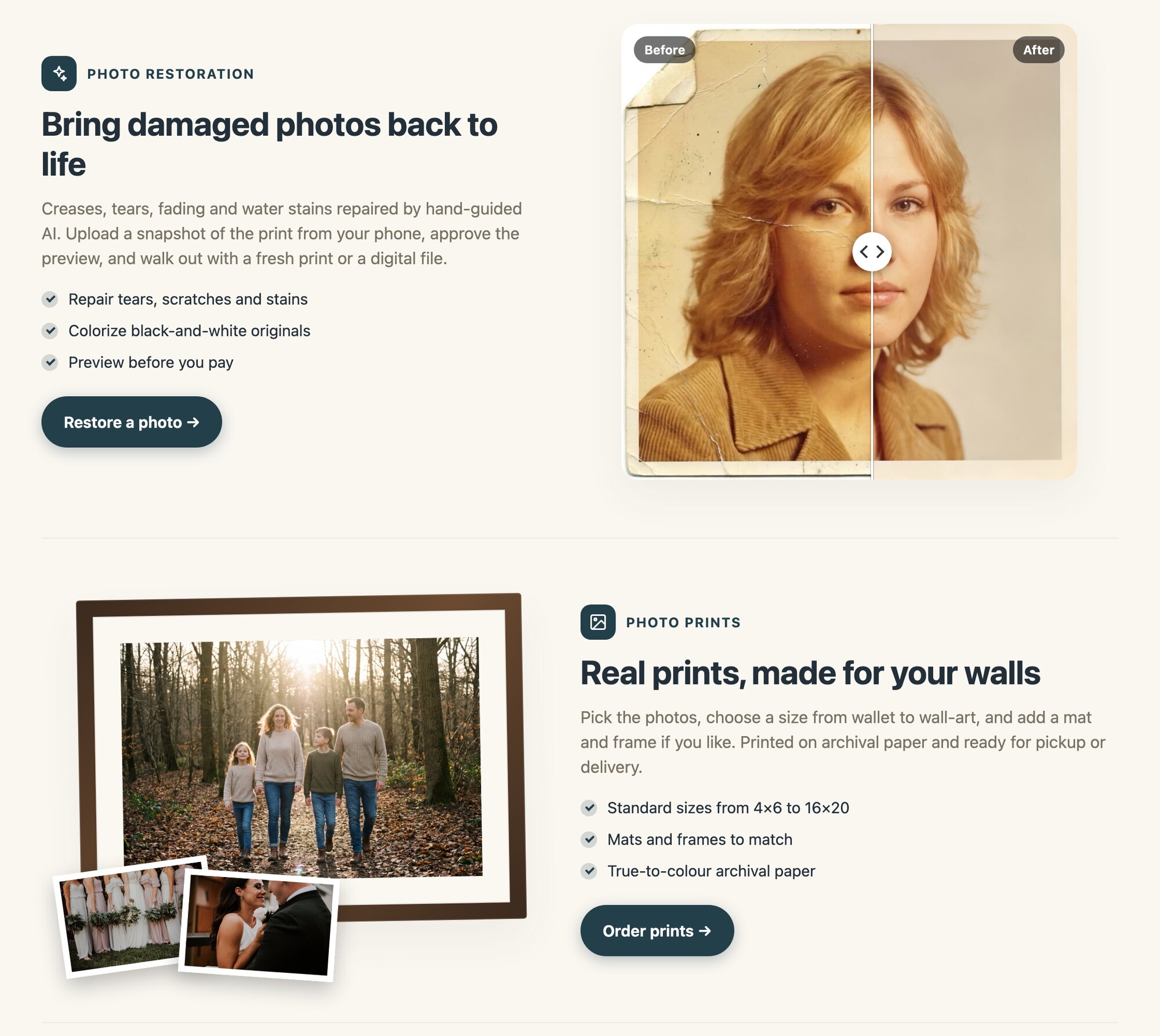
Picsha Hub fixes that. As of today, every Picsha retailer has one branded page at yourstore.picsha.com. It shows only the storefronts that store actually carries, each with a plain-English description and a button that goes straight into it. Your logo, your colors, your tagline. Add a storefront later and it appears on the hub by itself.
The hub has a second side for the retailer. Sign in at yourstore.picsha.com/admin with the same email you already use, and you get one list of recent orders across every Picsha product you carry, with links into each storefront's own admin for settings, prices, and fulfillment. Nothing about how you run each storefront changes. The hub reads; it doesn't own anything.
If your branding drifts between storefronts, say a new logo in Prints that never made it to Retouch, the hub notices and tells you which one to fix. Before today those stores were never side by side, so nobody saw it.
There's nothing to sign up for or configure. If you have a Picsha storefront, your hub is live now. See ours at fernwood.picsha.com.