
A Graphx product

Put photo restoration back on your counter.
Picsha Retouch is a white-label restoration storefront for photo retailers. Your customers repair torn, faded, damaged prints in about a minute — under your brand, at your prices, with prints made in your lab. Free to sign up. Powered by Picsha AI.
Get your storefront Try the live demo →
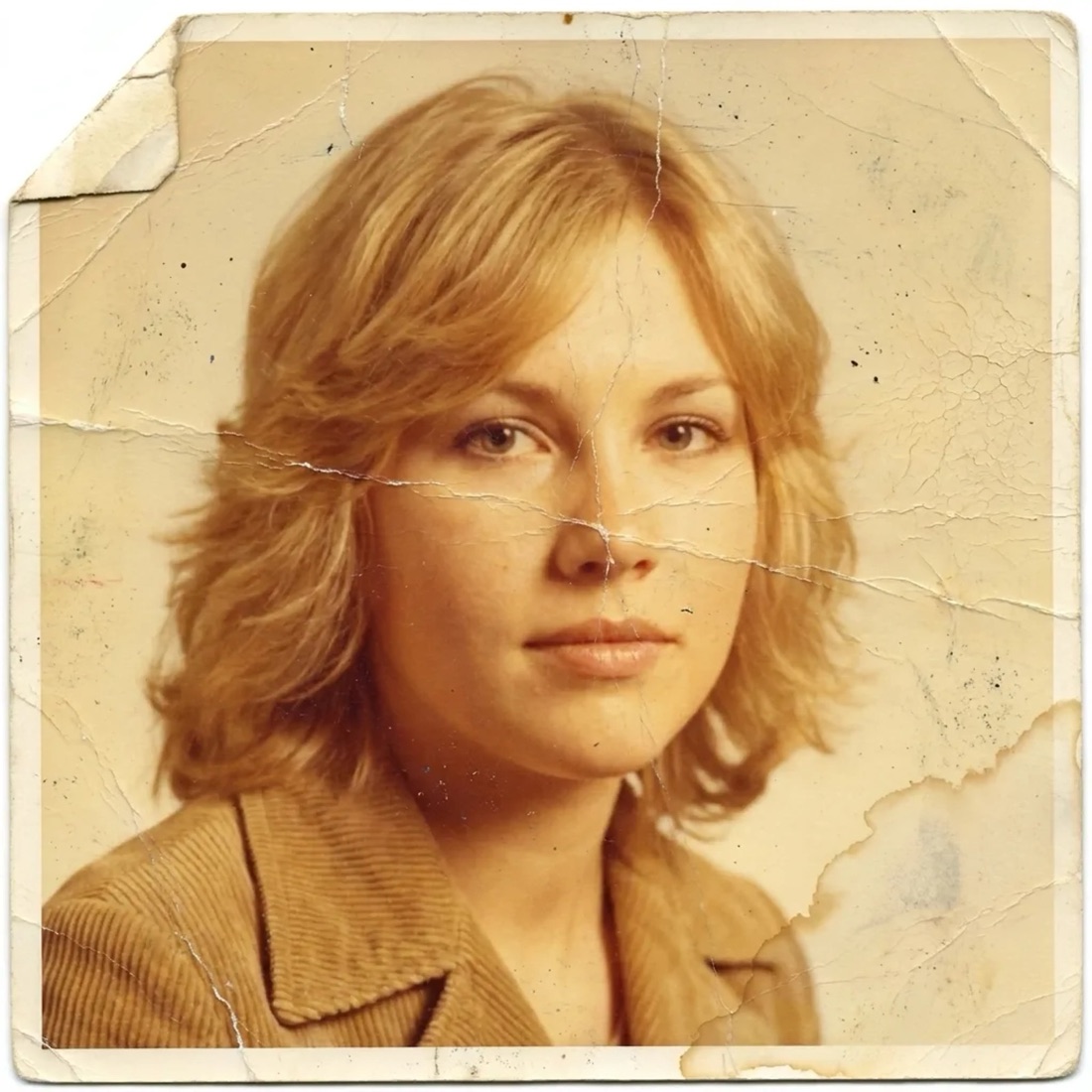
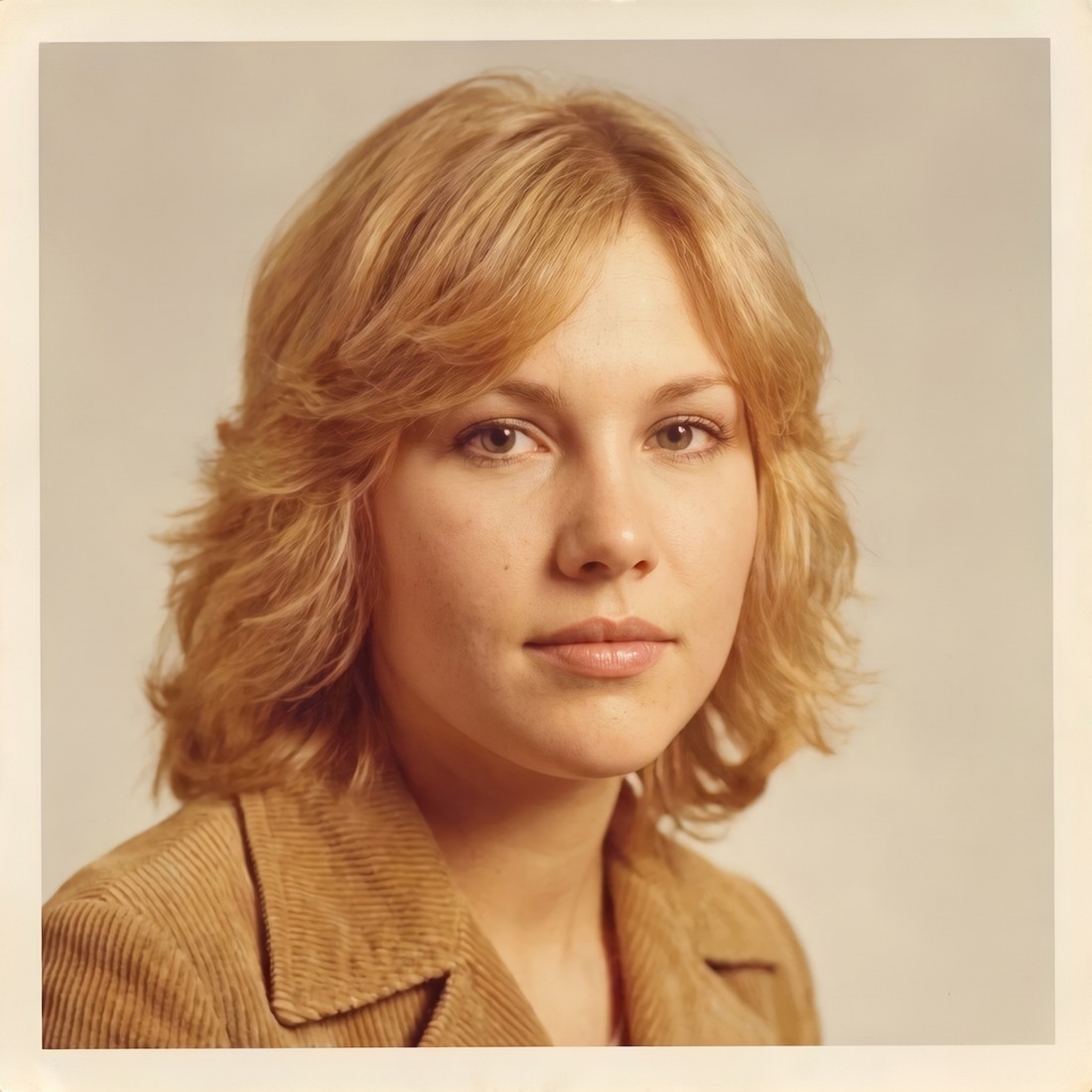
Drag the handle. This is the product's actual output, not a retouch artist's — a real restoration by Picsha Retouch.
How it works for your customer
1. Snap the print — no scanner needed
A phone photo of a print is enough — shoot it straight-on and fill the frame. The restoration comes back cropped and clean, as if it were flatbed-scanned.
2. Pick the fixes, not the prompts
Repair damage. Restore faded color. Colorize black & white. Enhance faces. Every control maps to restoration instructions we tune and test — so results stay consistent enough to put your name on. There is no prompt box.
3. Preview free, pay to keep
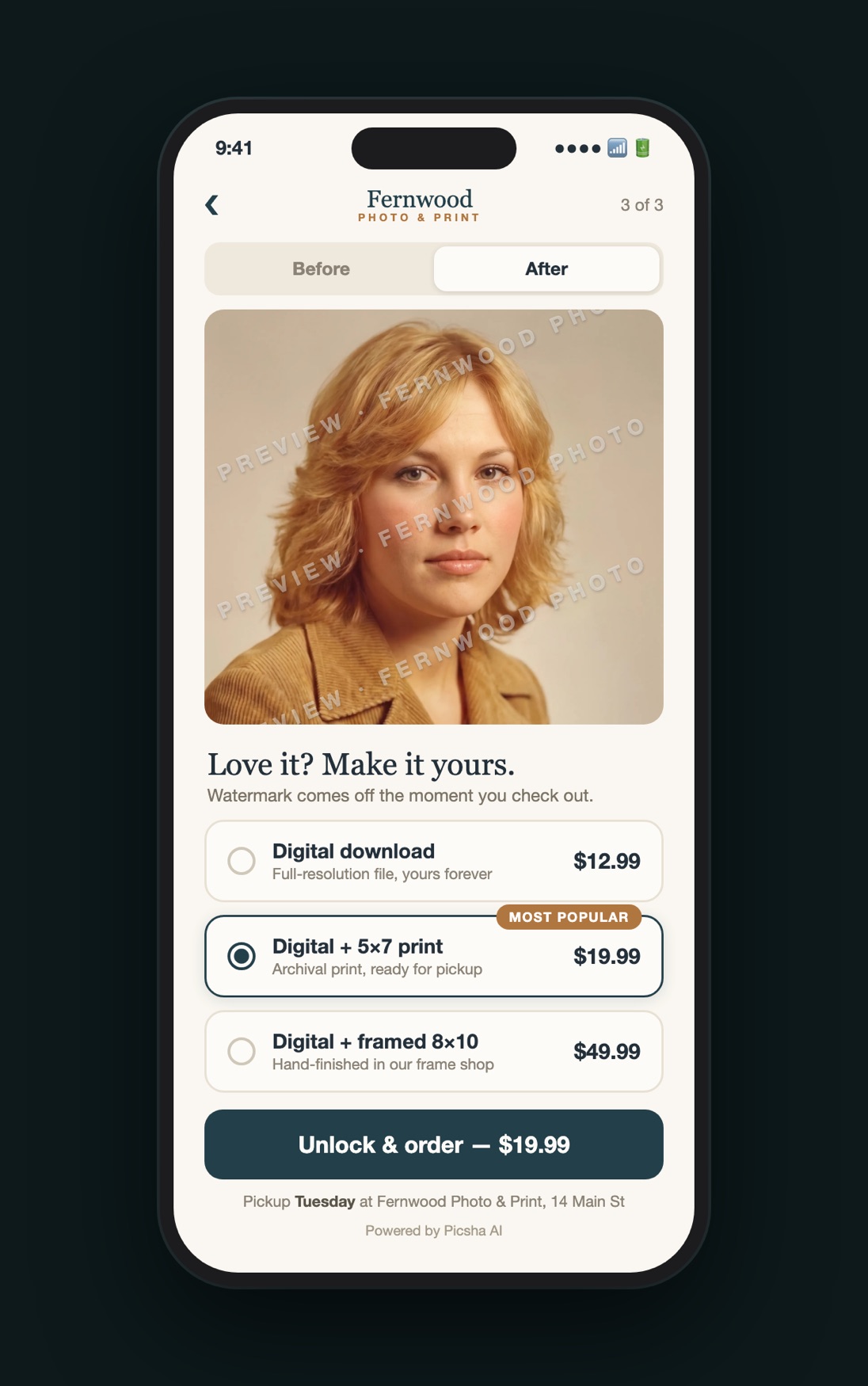
The restoration renders in under a minute as a watermarked preview — free. Customers only pay when they love it, and the delivered file is pixel-identical to the preview they approved. No AI re-roll surprises.
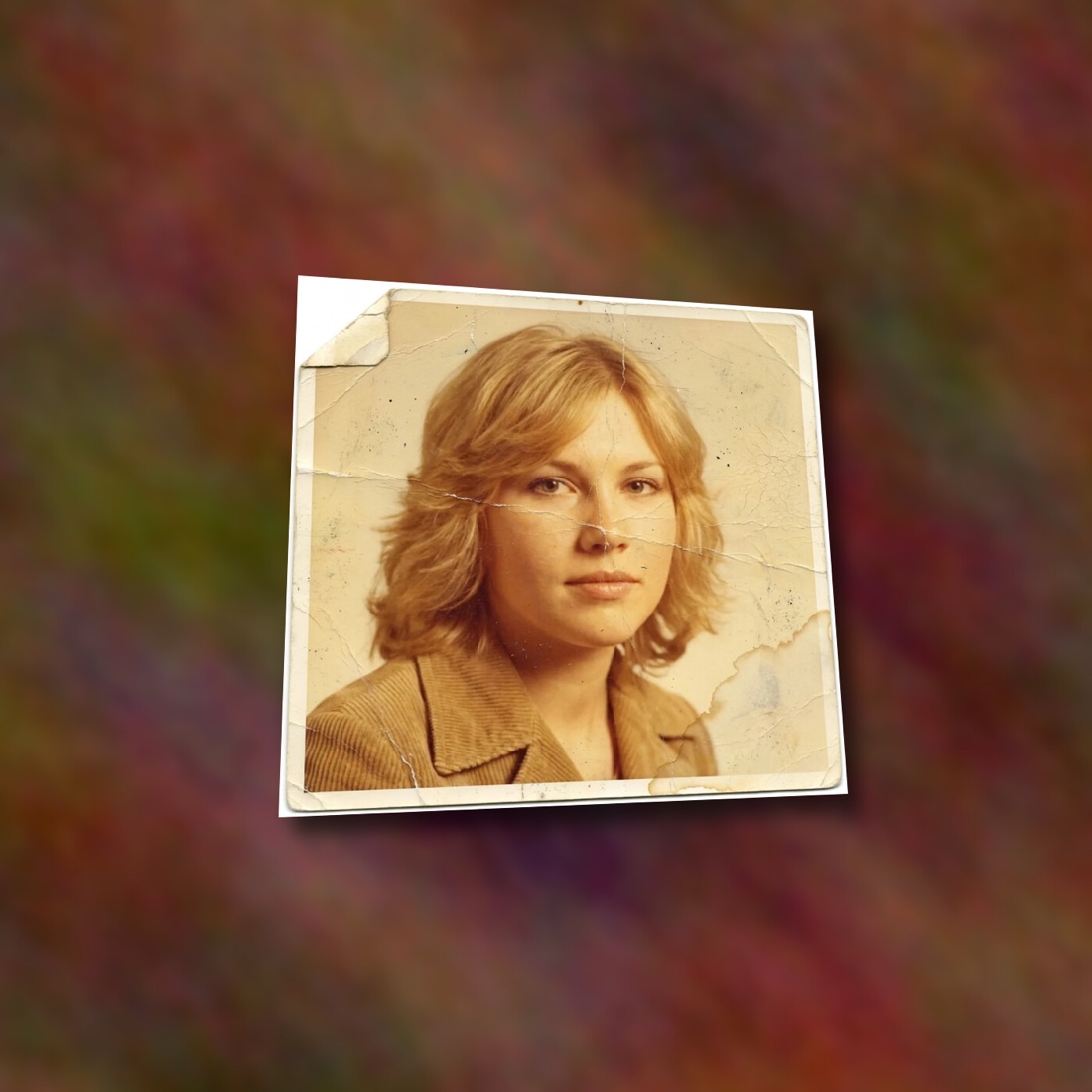
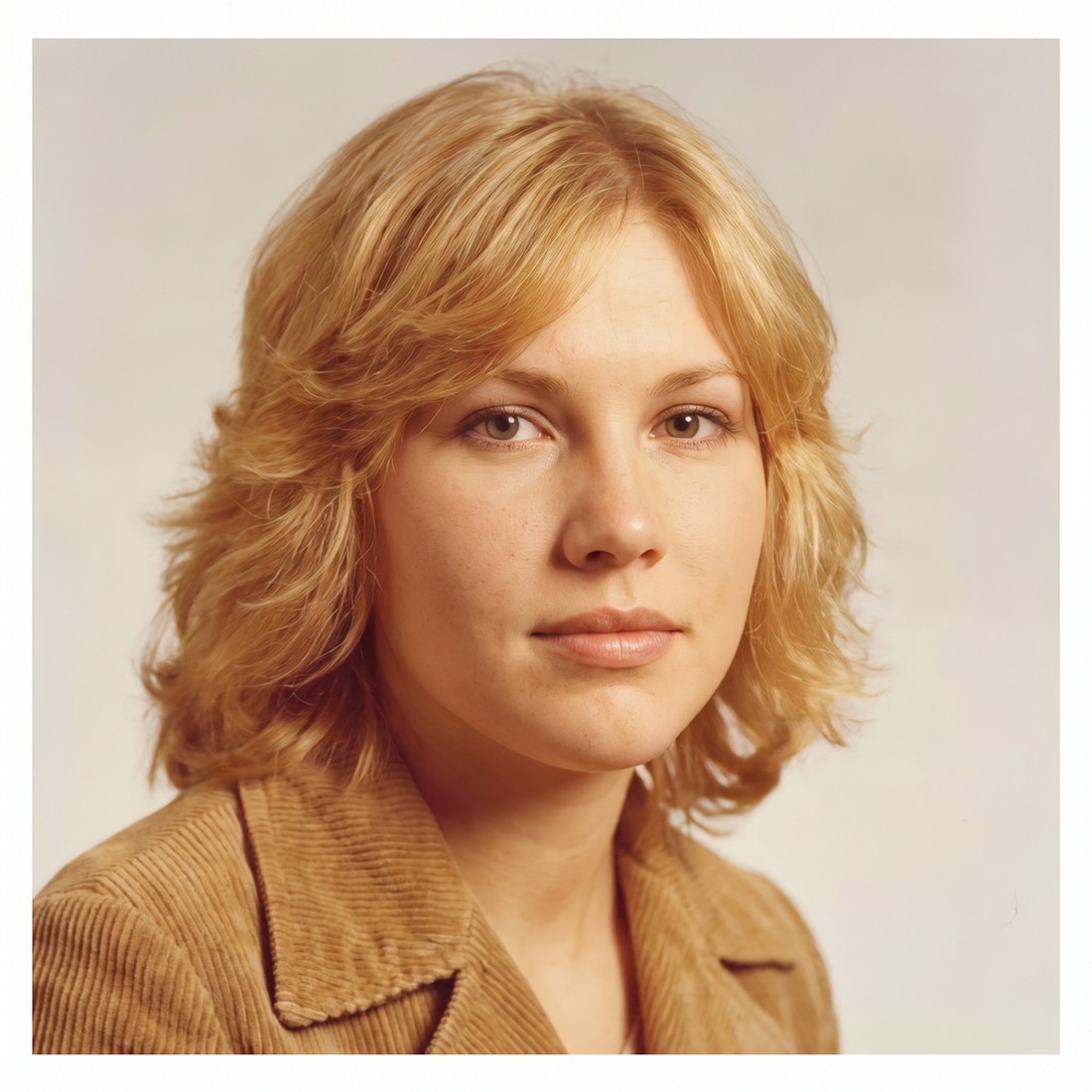
The whole product line, not just the file
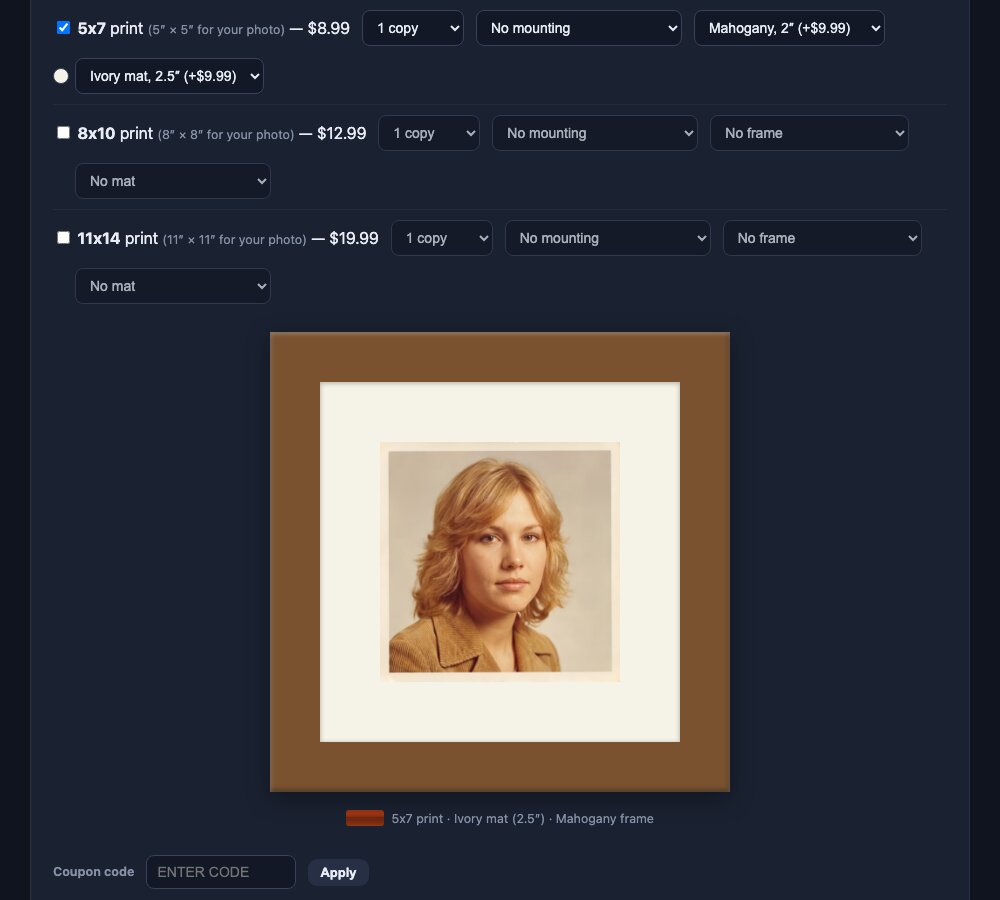
Every checkout offers your prints, mounting, matting, and framing — sized to the photo's true shape, priced by you, produced in your lab.
How it works for your store
Your brand, to the pixel
Your own address — yourstore.retouch.picsha.com — with your logo, your colors, light or dark theme, your prices, even your coupon codes. Link it from your website, put a QR code by the register, run it on an iPad, or put it on the kiosk in your store.
Prints stay in your lab
Prints, mounting, matting, and framing are fulfilled by you, on your equipment, at your margins — and in-store pickup walks the customer through your door. Online-only restoration apps can’t do that. That’s the point.
Finishing options New
Glossy or lustre, a border, gift wrapping — whatever you finish prints with, offer it on any print product, each choice with its own extra cost per copy. Required options start on your default; optional ones can be left blank. The choice rides on the order and into Photogize Lab.
Straight into Photogize Lab New
Run Photogize Lab? Connect your account and every paid print order drops into your Lab’s harvest queue the moment the restored file is ready — one job per print on the Lab product you chose, with the mounting and framing in the job notes and the customer’s pickup location on the order. No downloads, no re-keying.
Order status and tracking New
Move each print order from Received to In production, Ready for pickup, or Shipped with one dropdown. Paste the tracking number and USPS, UPS, FedEx, and DHL are recognized and linked. Your customer sees a timeline on their order page and gets an email in your store’s name when their prints are ready or on the way.
Zero ops, paid automatically
Sign in with an email code, fill in your prices, connect Stripe — about five minutes, no software to install. Payouts land directly in your bank account, and order emails arrive the second a customer pays. Customer photos auto-delete after 30 days, and no customer accounts are required.
Your own promotions
Create coupon codes — percentage off, with optional usage caps — for slow-season pushes or your grand opening. Customers apply them at checkout, and every redemption shows up in your admin.
Runs on the kiosk in your store New
Every Picsha storefront has a kiosk mode. Open yourstore.retouch.picsha.com/?kiosk=1 on any touchscreen PC and it becomes an in-store photo kiosk — full screen, locked down, and ready for the walk-in customer with a memory card in hand. Bring the scan on a card or a stick and the restoration runs right at the counter — preview on the big screen, pay, and pick up the print from your lab.
Reads their card or USB stick
Customers insert a memory card or thumb drive and tap Browse my photos: their pictures appear in a big touch-friendly picker, select-all included. Staff grant the card reader once at setup; customers never see a file dialog.
A keyboard on the screen
No physical keyboard required. A touch keyboard slides up for names, emails, and phone numbers — with the @ and .com keys where they belong — so keyboardless counters work fine.
Customers pay on their phone New
No payment terminal on the kiosk. When the order is ready, the kiosk shows a QR code; the customer points their phone’s camera at it and pays right there with Apple Pay, Google Pay, or a card — the same secure Stripe checkout as online, paid straight into your account. The kiosk sees the payment land and moves on to the next steps by itself. See it in action.
Resets between customers
Walk away, and the kiosk warns, then clears itself back to the start — photos, names, and half-typed emails gone before the next customer steps up. Browser autofill is off, so nobody is offered the previous customer’s details.
Your existing kiosk hardware
Already running a Photogize kiosk? The same Windows PC, touchscreen, and card readers work as-is — Edge in kiosk mode replaces the old shell. We provide the lockdown policies and setup guide.
One kiosk, every product: Picsha Hub gives the kiosk a home screen with one tile per Picsha storefront you carry, and every product returns to it between customers. And SendThePix is built in: customers send photos from their phone and type a six-character code at the counter.
Free to set up. We only earn when you sell.
No monthly fee, no contract, no upfront cost.
You set every price
Restoration, download, prints, mounting, matting, framing — all priced by you, for your market.
We take a share of sales
Graphx earns a percentage of each sale — that's the whole business model. No sales, no cost. See the rate grid →
Your money never touches us
Stripe pays you directly into your own bank account. And if you stop using it, stopping costs nothing.
The Retouch roadmap
Restoration is the first Picsha Retouch service. The same engine already handles production cutouts, background removal, and render-time compositing — volume tools for school and sports photographers, studios, and retailers are next on the roadmap. Early-access partners help us decide what ships first.
Be a launch retailer.
Picsha Retouch is live. It's free to sign up — tell us about your store and your lab, and we’ll set up your branded storefront. Want to see it as your customers would first? Explore Fernwood Photo & Print, our demo store.